
Learn
Learn Billingz in minutes.
Short videos that show how it works, recorded from the real app. Start with the first journey, or search for what you need.
Start here
Your first invoice, start to finish
One continuous story on one account: set up your business, add your balance, make an invoice, send it, and watch your runway move. Each chapter stands on its own.
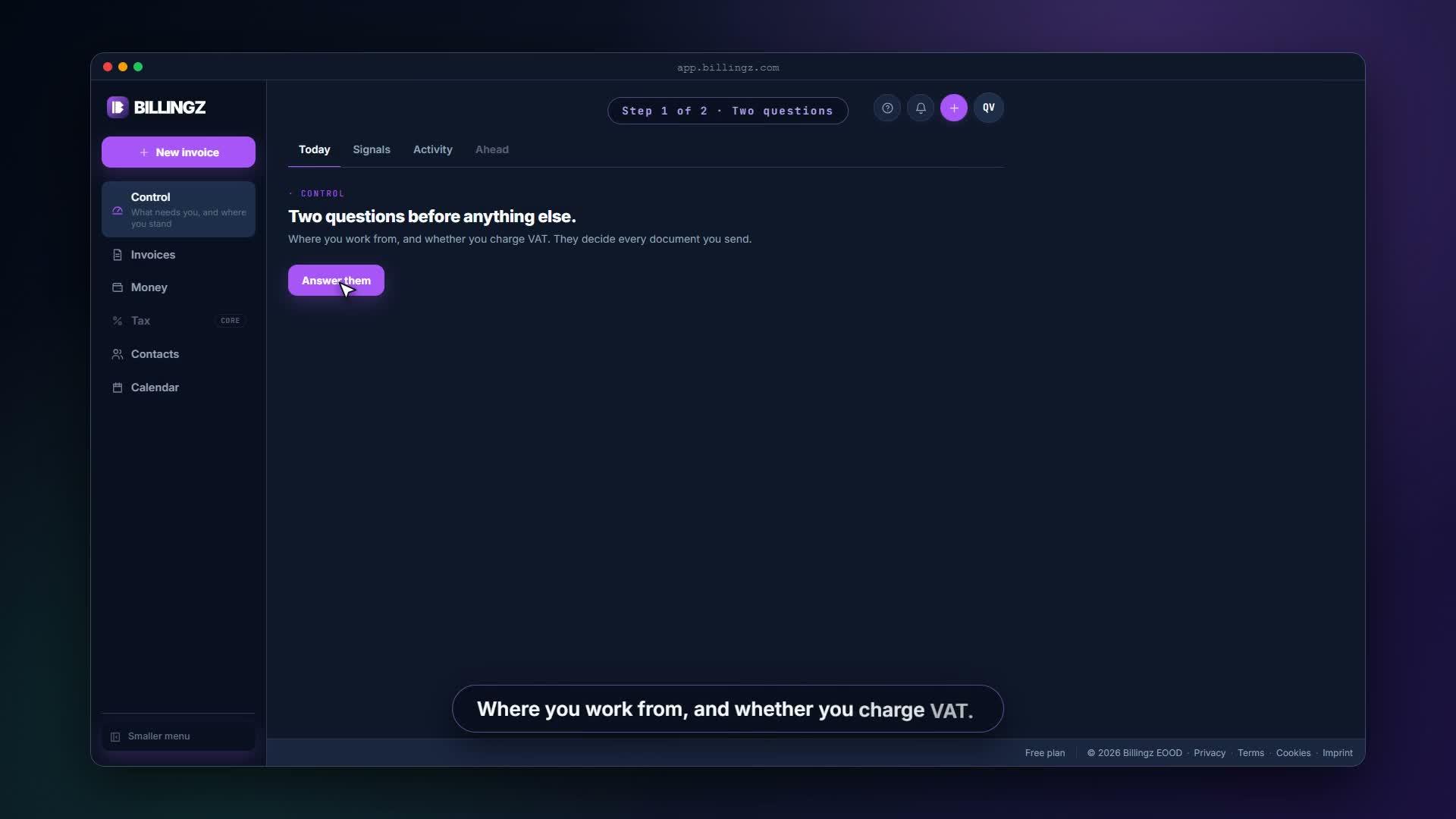
- Chapter 1Set up your businessA new account starts with two questions: where you work from, and whether you charge VAT. Then you add your business details, which Billingz prints on every document.▶ 1:01
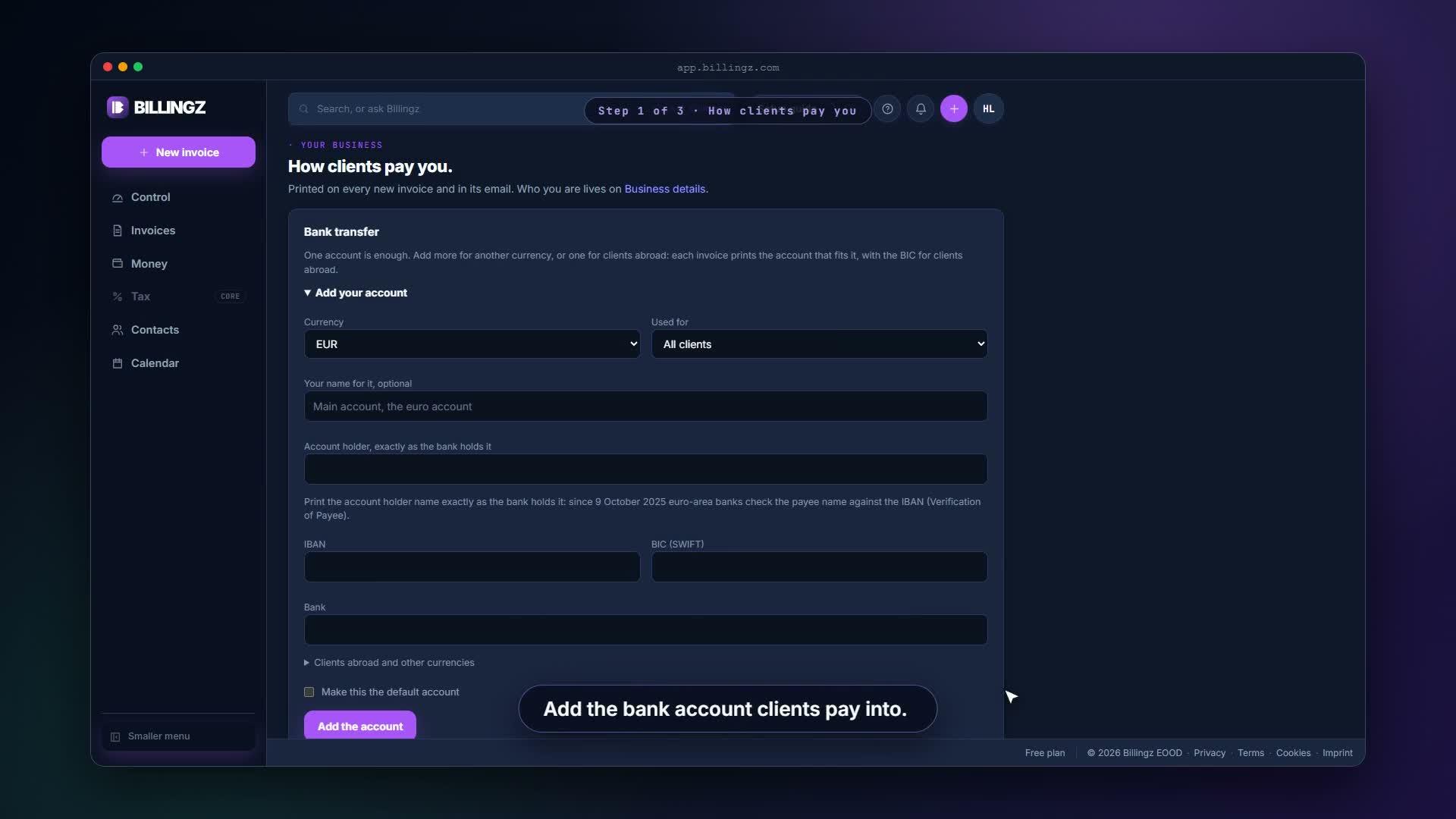
- Chapter 2Add your bank and your logoAdd the bank account clients pay into, and upload your logo. Both print on every invoice you send.▶ 0:54
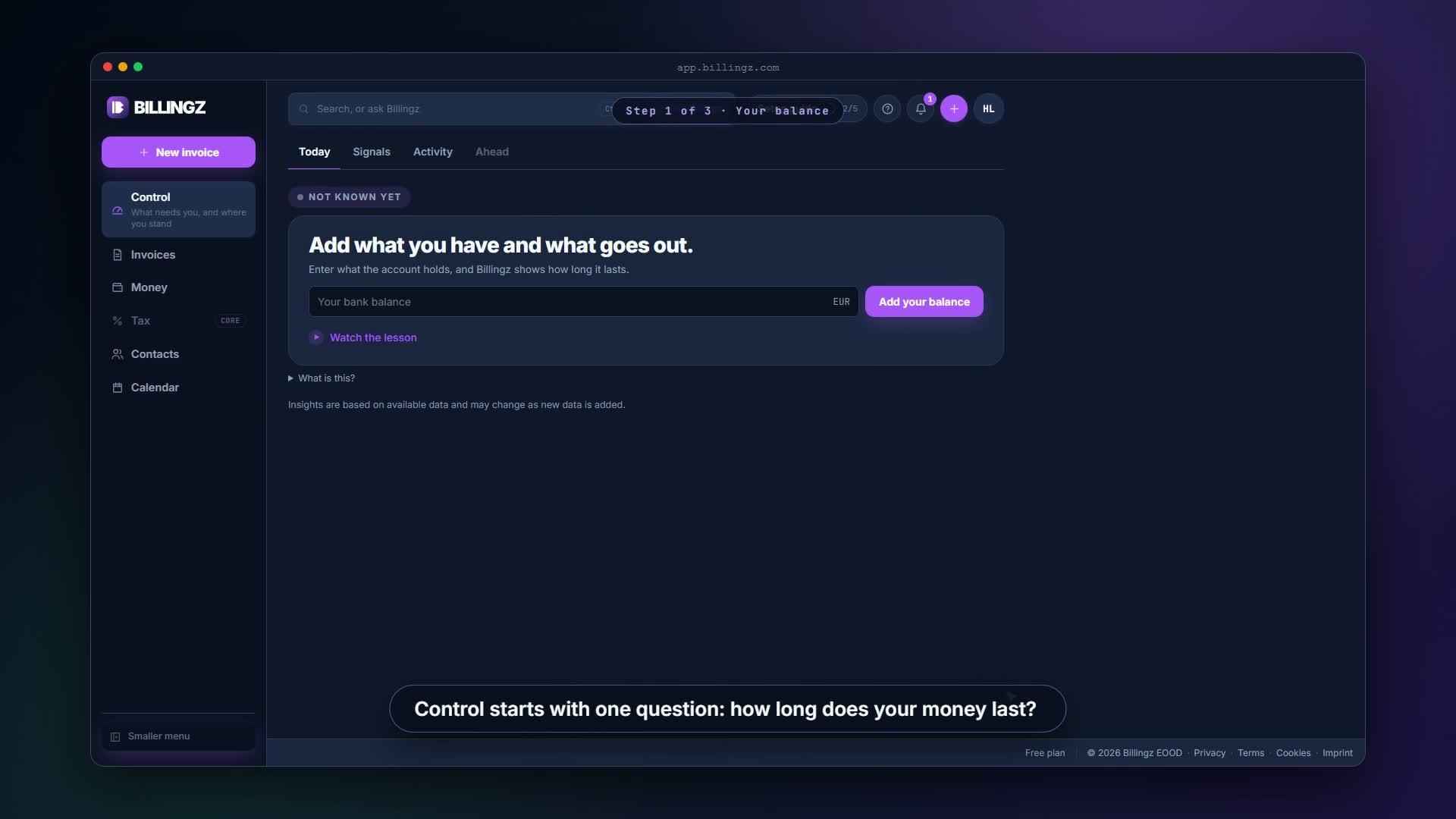
- Chapter 3Your balance and your runwayEnter what the account holds and roughly what goes out in a normal month. Billingz shows your runway: how many days your money lasts at your normal costs.▶ 0:48
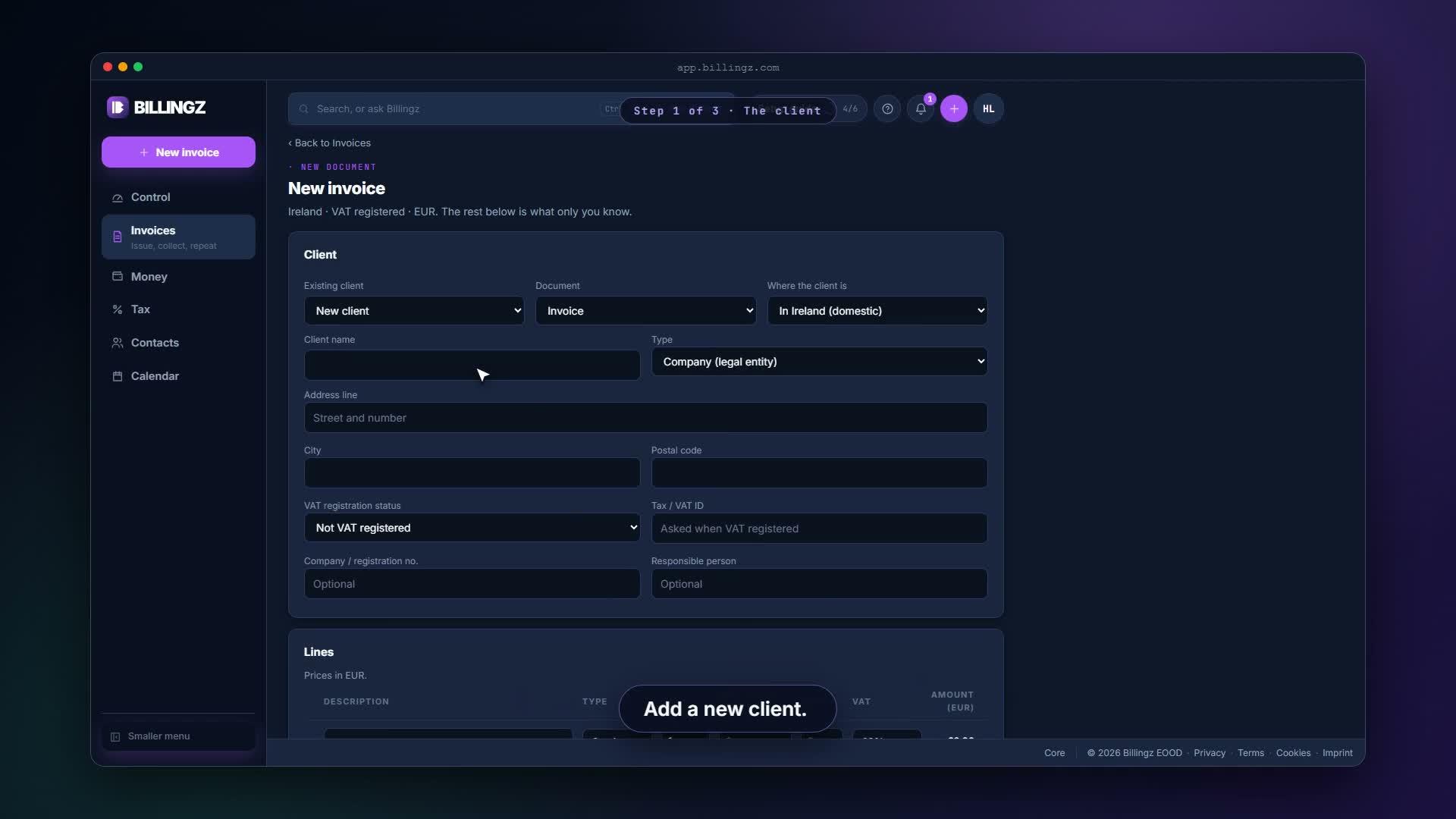
- Chapter 4Make your first invoiceAdd the client, describe the work, set the price. Save it as a draft, then preview it as your client will see it.▶ 1:15
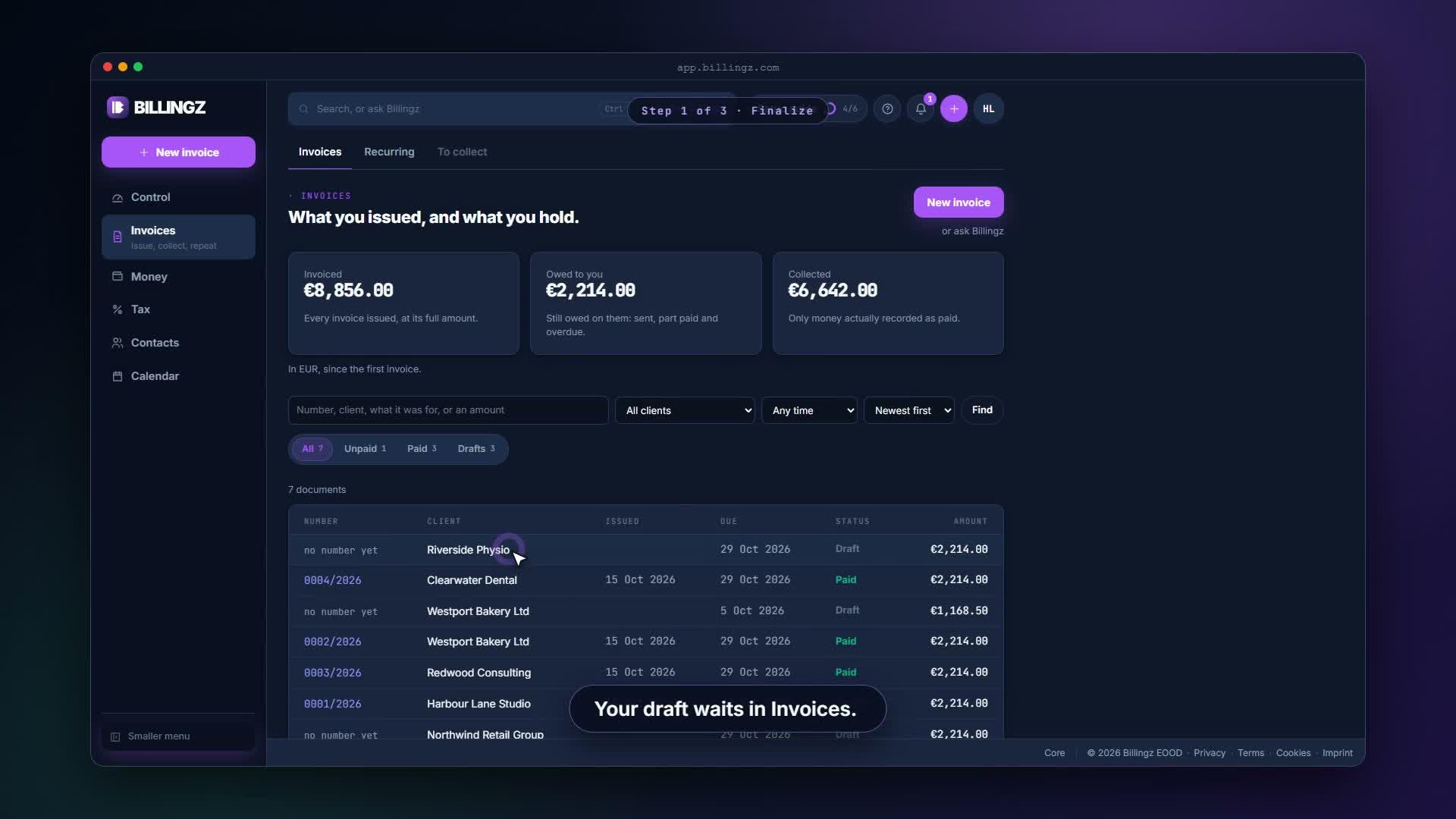
- Chapter 5Send the invoiceFinalize the draft, so it gets its number. Type the client's address once, read the message Billingz wrote, and send. Every send is kept.▶ 1:09
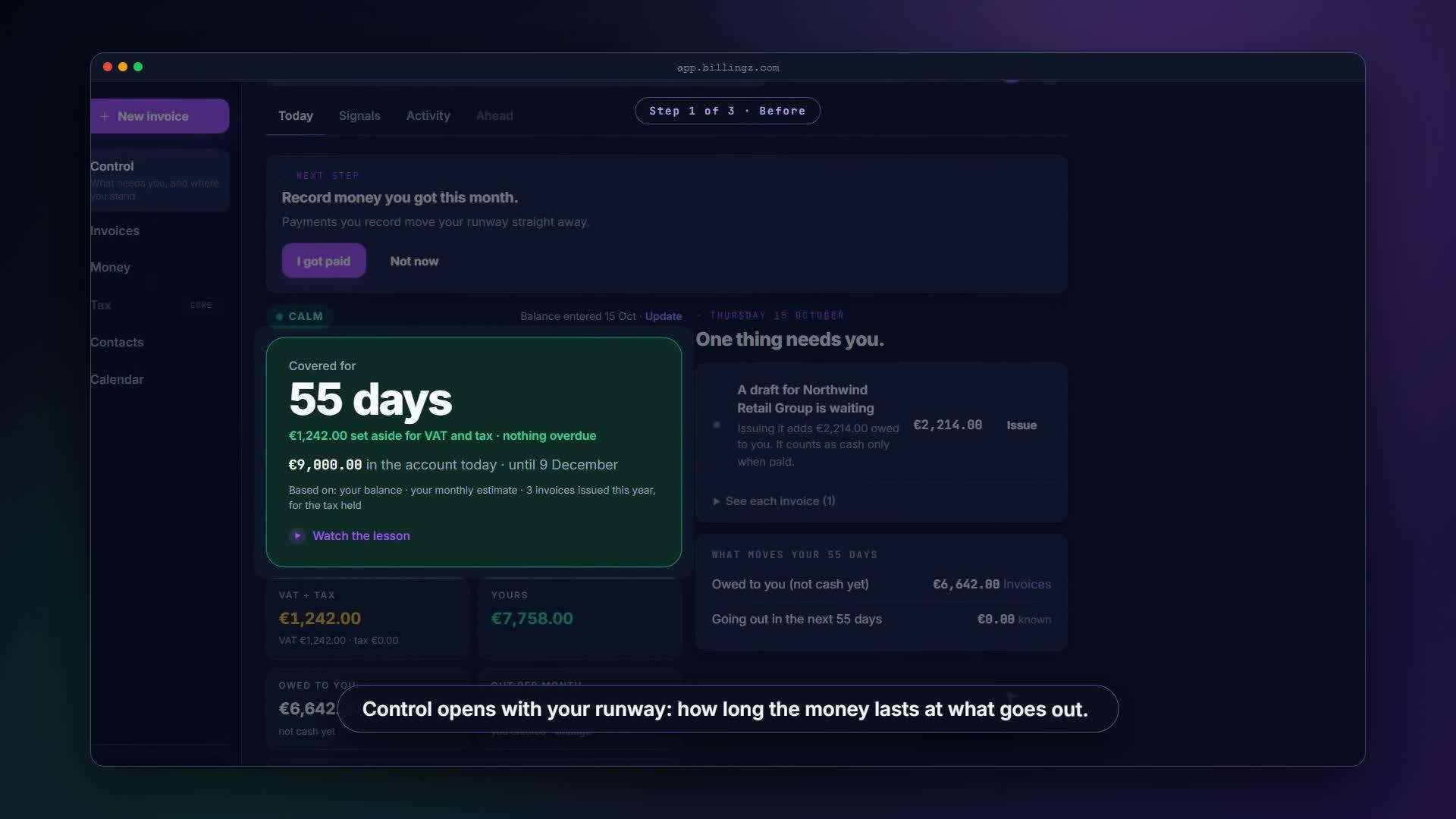
- Chapter 6How your runway changesControl shows your runway and what moves it. Record the client's payment and watch the days go up: paid money is the only thing that moves it.▶ 1:11
- Chapter 7A late invoice and the reminderComing next
6 lessons
 1:01
1:01FreeGetting started
Set up your business
A new account starts with two questions: where you work from, and whether you charge VAT. Then you add your business details, which Billingz prints on every document.
 0:54
0:54FreeGetting started
Add your bank and your logo
Add the bank account clients pay into, and upload your logo. Both print on every invoice you send.
 0:48
0:48FreeRunway
Your balance and your runway
Enter what the account holds and roughly what goes out in a normal month. Billingz shows your runway: how many days your money lasts at your normal costs.
 1:15
1:15FreeInvoices
Make your first invoice
Add the client, describe the work, set the price. Save it as a draft, then preview it as your client will see it.
 1:09
1:09FreeInvoices
Send the invoice
Finalize the draft, so it gets its number. Type the client's address once, read the message Billingz wrote, and send. Every send is kept.
 1:11
1:11FreeRunway
How your runway changes
Control shows your runway and what moves it. Record the client's payment and watch the days go up: paid money is the only thing that moves it.