
What's new
What's new in Billingz.
What changed in the app, newest first. Only things you can use today.
October 2026
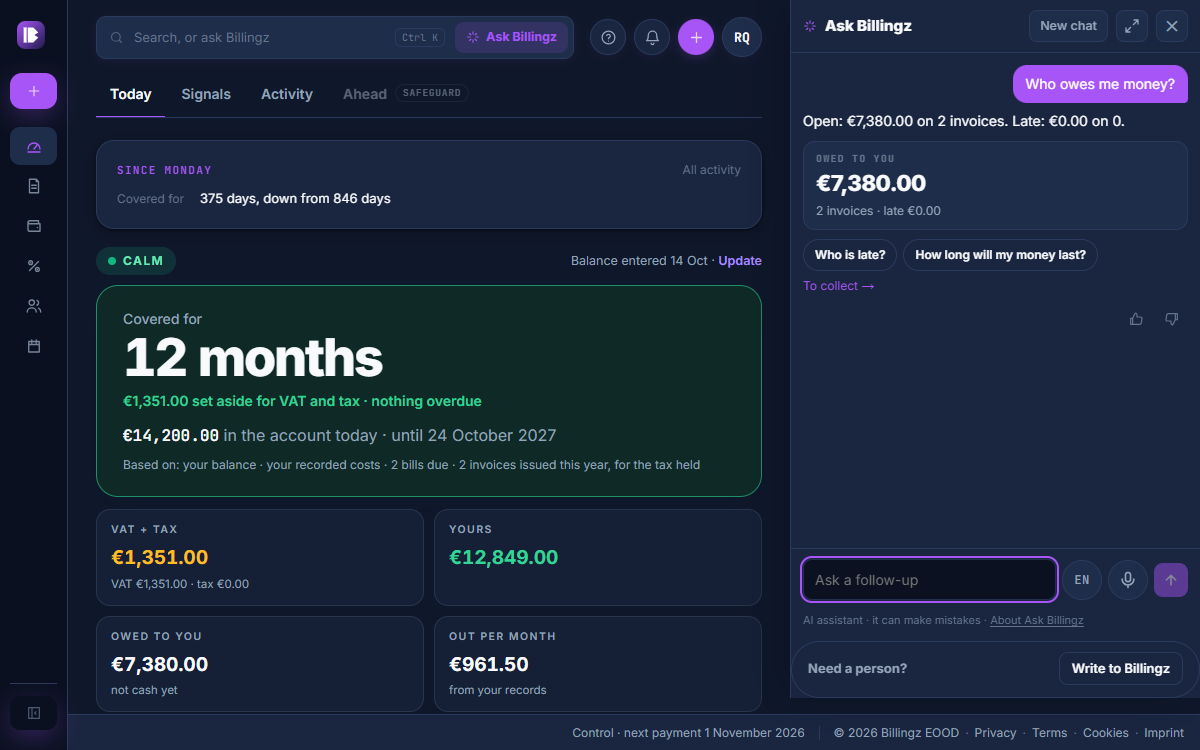
Ask Billingz
Ask about your money or about Billingz and get an answer from your own numbers and our guides, without digging through screens. It runs in the EU. It is an AI and can make mistakes, so check the figures that matter. Answers are in English.
Open Ask Billingz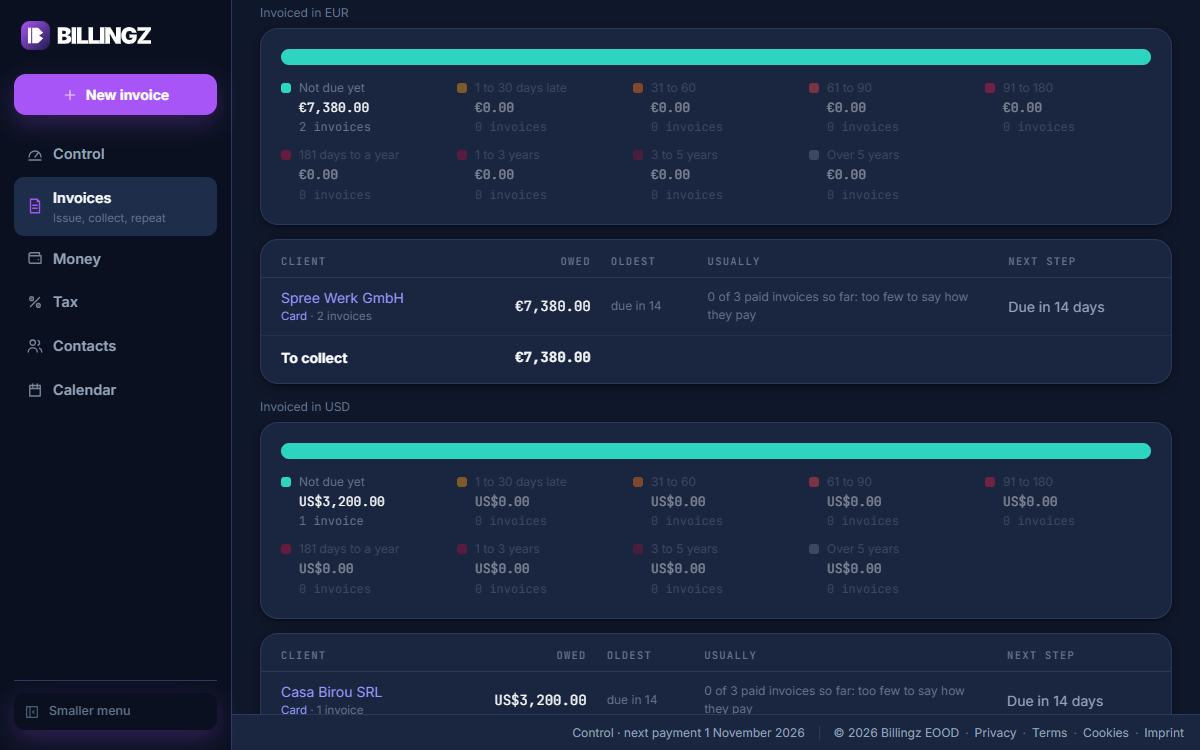
Money in other currencies
Each currency is shown as itself, never added together and never hidden: on Control, To collect, Invoices, Money in, the Money Map, the snapshots, the search and the Monday mirror. Nothing is converted, so there are no totals across currencies. You see what each client owes in the money you invoiced in.
Open To collect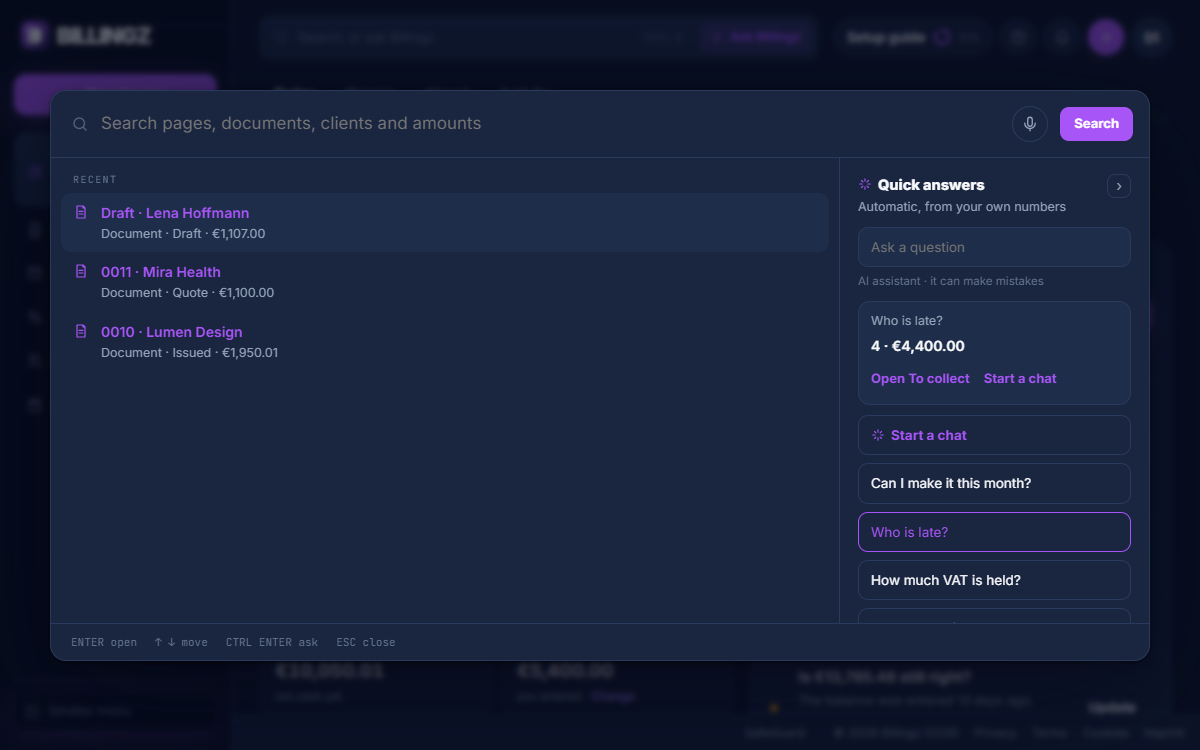
Search with quick answers, and a chat beside the page
The new search lists pages, documents and clients, with quick answers about your numbers beside it. For a longer question, Ask Billingz opens in a panel next to the page and keeps the conversation as you move around. When it cannot answer, you can write to Billingz from the same panel.
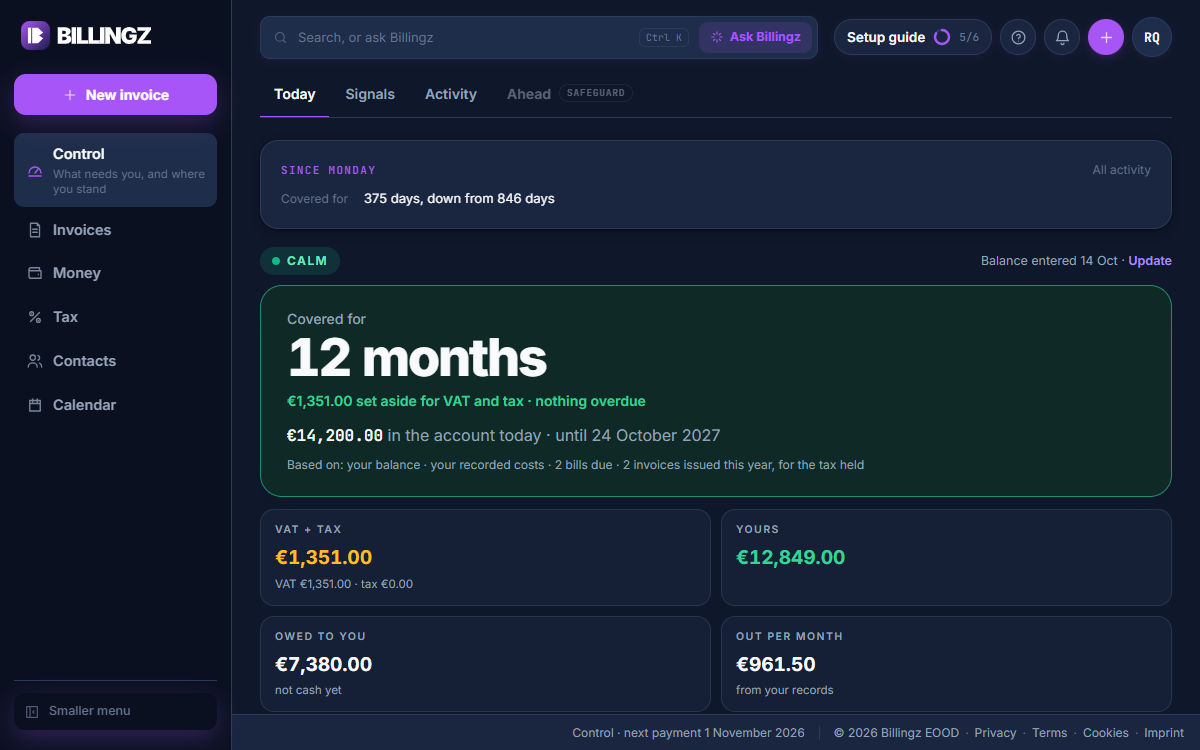
One runway everywhere
Control, Ask, the Calendar and Ahead now show the same number of days, so they agree. Bills and taxes count on the day they are due. The runway is an estimate.
Open Control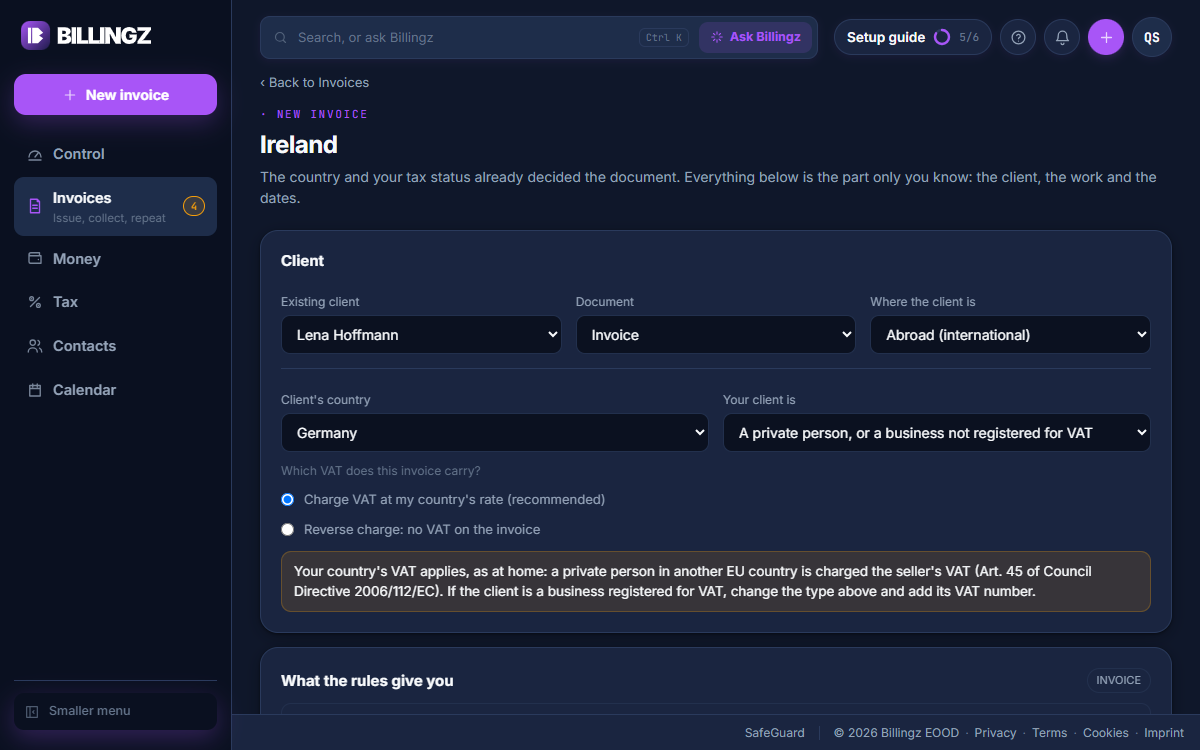
VAT for private clients abroad
Billingz asks whether a client abroad is a business or a private person, and charges VAT at your own rate by default. When something looks wrong it warns you and you confirm, instead of being refused, and your choice is kept on the invoice.
Start an invoice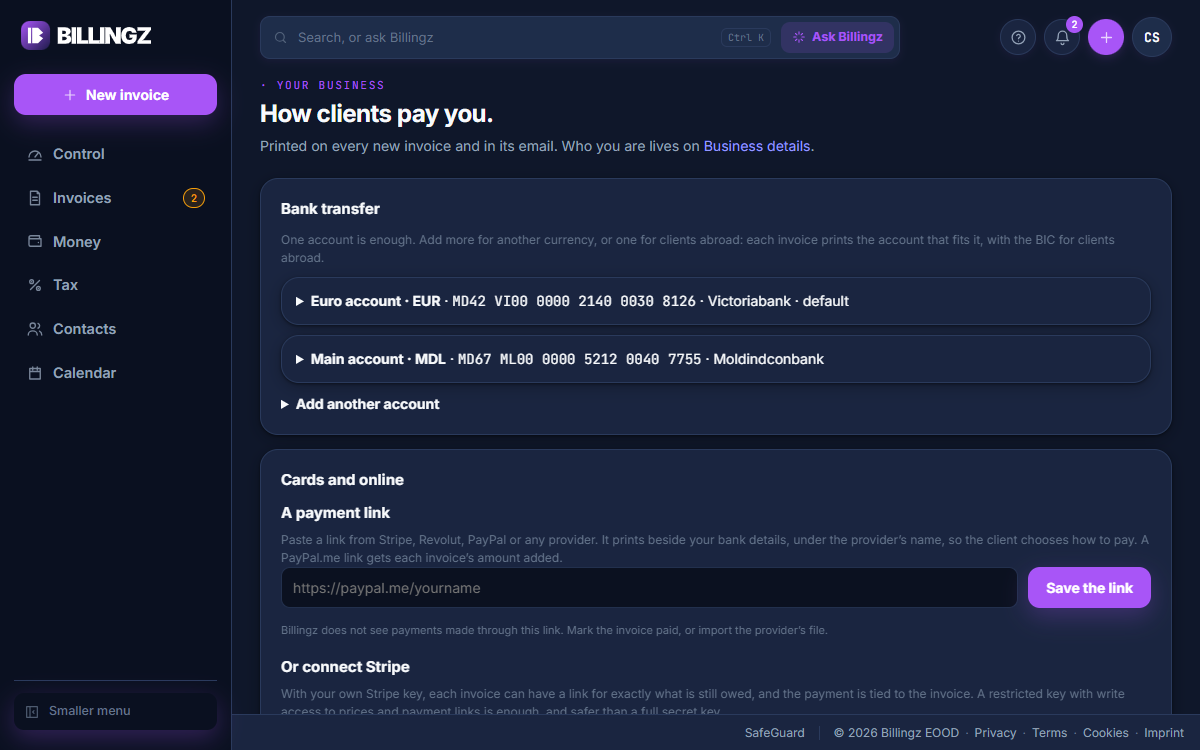
Several bank accounts on one invoice
Add each bank account once, with its currency. The invoice prints the account that fits its currency, and you can tick more to print them in a table. Billingz will not issue an invoice until the buyer's address is complete.
Open How clients pay you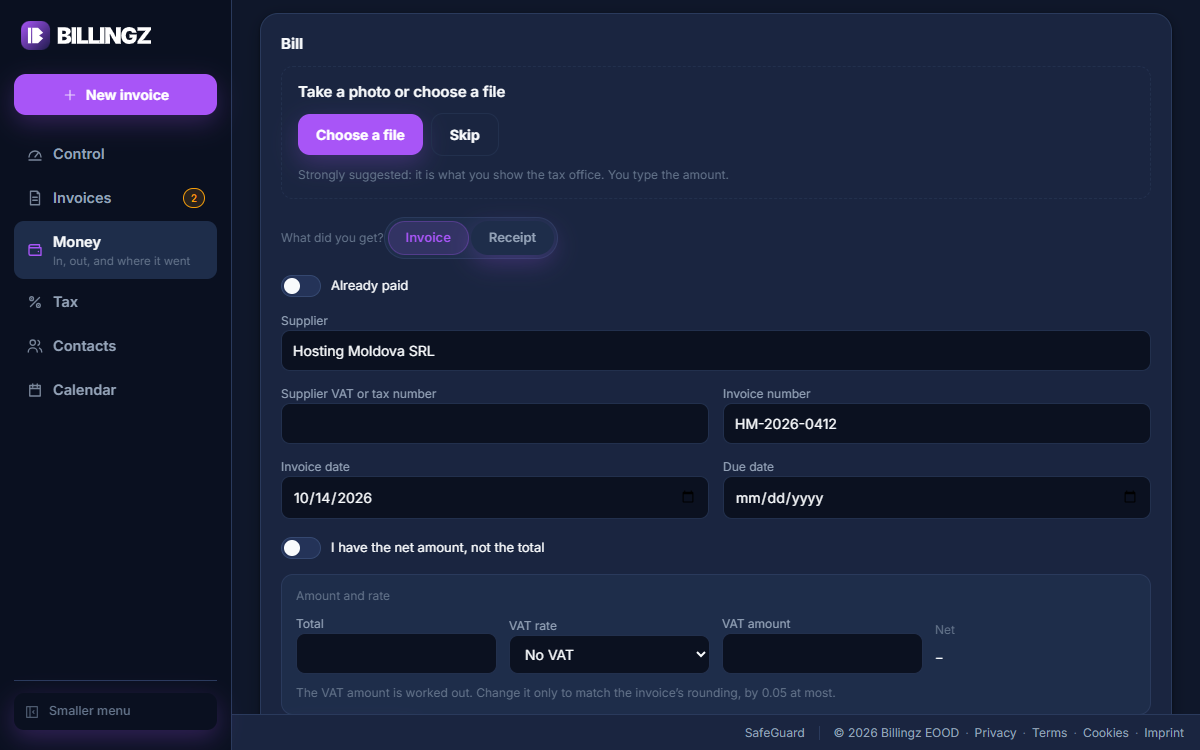
Bill, Imports and Exports
Add an invoice or a receipt you received in one form, paid or not. Bring in a bank or Stripe file or a proof of payment (PDF or text), and take your records out as spreadsheets and PDFs. A file is read in full and you see what it would do before anything is saved.
Open Bill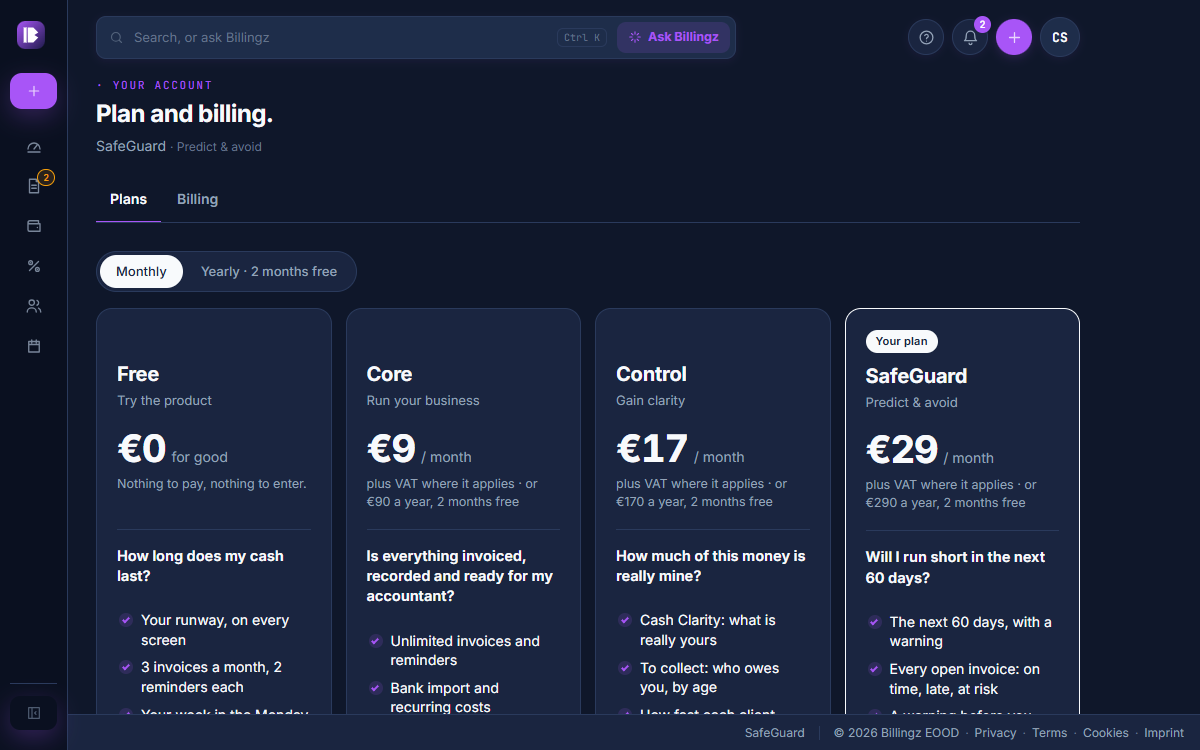
Plan and billing in two tabs
Your plan, your card and your Billingz invoices are easy to find. A downgrade asks first and shows what stays and what stops.
Open Plan and billingAlso new in October
- 14 October
Every save says it is done. When you save a form or change a setting, the screen answers in the same place with a short "Saved". If it did not save, it says so and lets you try again.
- 14 October
A confirmation when you issue an invoice. Once an invoice is issued, a short note confirms it with its number, so you know it went through.
- 14 October
Calmer motion. Changes now settle in quietly and a loading screen shows between pages, so nothing jumps. Everything simply appears if your device is set to reduce motion.
- 14 October
Getting started in the top bar on the phone. On a phone, the setup list is a ring in the top bar, as on the web. Date fields now fit inside their frames on iPhone.
- 14 October
To collect, grouped by how late. To collect groups what you are owed by how late it is and shows how each client usually pays, with every amount in its own currency.
Open To collect - 14 October
Search finds names first. The search now lists matching names and titles first, and matches in descriptions come last.
- 14 October
One look across the app. Menus, tabs, lists, forms and the tax screens now follow one design, in light and in dark, so the same thing looks and works the same way on every page.
- 14 October
Control on the phone leads with your runway. On a phone, Control now opens with how many days your money lasts. Your balance is one line with Update, and the setup guide is a quiet line at the foot.
Open Control - 14 October
Simpler lists. Money out has one row of views and an Any status choice. Invoices shows only the views that have something in them.
Open Invoices - 14 October
Check your inbox. After you sign up, a card asks you to confirm your address. If the email has not come, you can send it again or use a different address.
- 14 October
The invoice to worry about, across every currency. Control now picks the invoice that needs you most across all your currencies, with the late ones first.
Open Control - 14 October
Write to Billingz. You can write to the Billingz team from the Support menu. It is a message, not a chat: we answer by email and in the bell.
- 13 October
A tax to pay. Type a tax you have to pay and it counts in your runway on the day it is due. Money that is not income, such as a loan or a refund, is kept apart from your income.
Add a tax to pay - 13 October
Clients, suppliers and payment record in Contacts. Contacts has three tabs: Clients, Suppliers and Payment record, which opens with Control. A client card shows how to reach them and how they pay.
Open Contacts - 13 October
A search that understands a question. Type something like who owes me, or a client's name, and the search finds the page. It also understands the words of each market.
- 12 October
Advance and final invoices. Ask for an advance, then issue the final invoice that takes it into account.
Create an advance invoice - 12 October
The Calendar is now its own place. The Calendar has its own place in the menu now: what falls due, day by day, in one place.
Open the Calendar - 12 October
A robot check that does not track you. Sign-up, password reset and the waiting list check that a person is there, on our own servers, with no outside tracking.
- 10 October
Control leads with your runway. Control now opens with how many days your money lasts. It asks for the one number it needs, your balance, and shows how old that balance is, with one tap to update it.
Open Control - 10 October
A note when your bank details change. When a bank account where clients pay you is added, changed or removed, you get an email and a line in your history.
Open How clients pay you - 10 October
More control over invoices and bills. Edit and delete a draft until you finalize it. Add a note for your client. Correct an invoice by lines or an amount, and add to one with a debit note. Edit, cancel or delete an expense or a bill. Preview an invoice on your phone.
Open Invoices - 10 October
A payment link on your invoice. Paste a payment link from Stripe, Revolut, PayPal or any provider and it prints beside your bank details.
Open How clients pay you - 10 October
A picture in your account badge. Add a picture to your login. It shows in the round badge instead of your initials.
- 9 October
Exports in Excel. Download your records as Excel files for your accountant.
Open Exports
Want these by email now and then? Tick product news when you create an account, or in Settings, under Emails.
A question about something here? Ask us directly.